Treatment across the case, in date order.
Visits, providers, diagnoses, charges, and case events organized on one timeline your team can follow from first encounter to latest record.
Findings in every chronology
Treatment, providers, diagnoses, and charges across the case, organized on one timeline so your team can follow care in order.
Treatment timeline
Every visit across the case in date order, from the first post-incident encounter through the latest record.
Provider context
Provider and visit details on every entry, so your team can follow one physician or a referral chain across the case.
Care by specialty
Each visit tagged by specialty, so your team can see how care moved from emergency through therapy and diagnostics.
Clinical findings
Diagnoses, injuries, and clinical notes on each entry when documented in the source record.
Billing context
Charges from corresponding bills on each visit, so treatment and cost stay connected in sequence.
Charges chart
Spending by specialty alongside the timeline, so your team follows costs as care progresses.
Source citations
Every entry connected to the record or bill it came from, keeping the timeline anchored to your case documents.
Gaps in care
Long gaps between visits stand out in the sequence, so missing treatment periods are easy to spot.
Context is already on it.
New documents are processed the moment they arrive in your system. No uploads, no batching, no one pressing go.
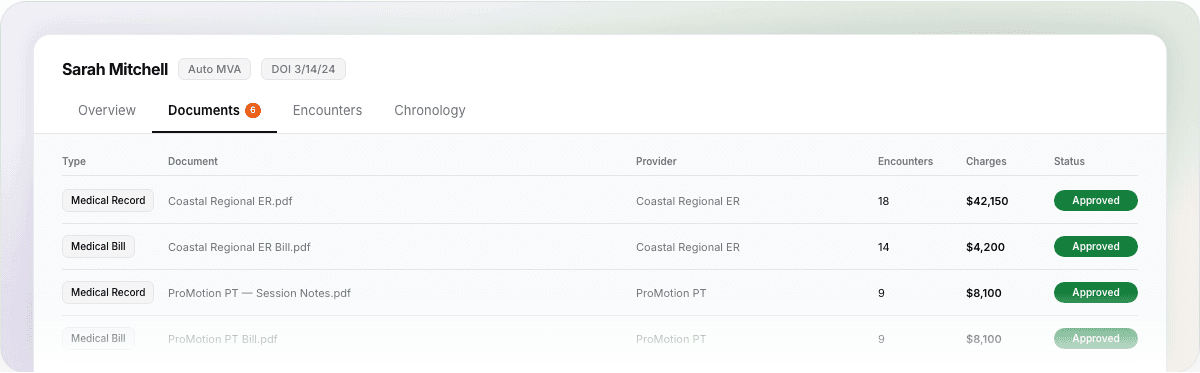 01Documents found automaticallyRecords, bills, and police reports sync from the systems you already use.
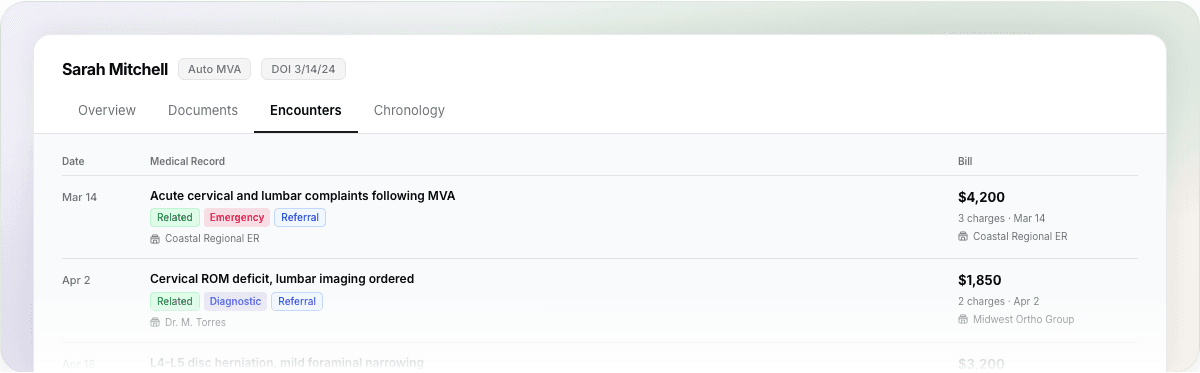 02Documents become case factsEncounters, charges, diagnoses, injuries, and liability facts are extracted from every page.
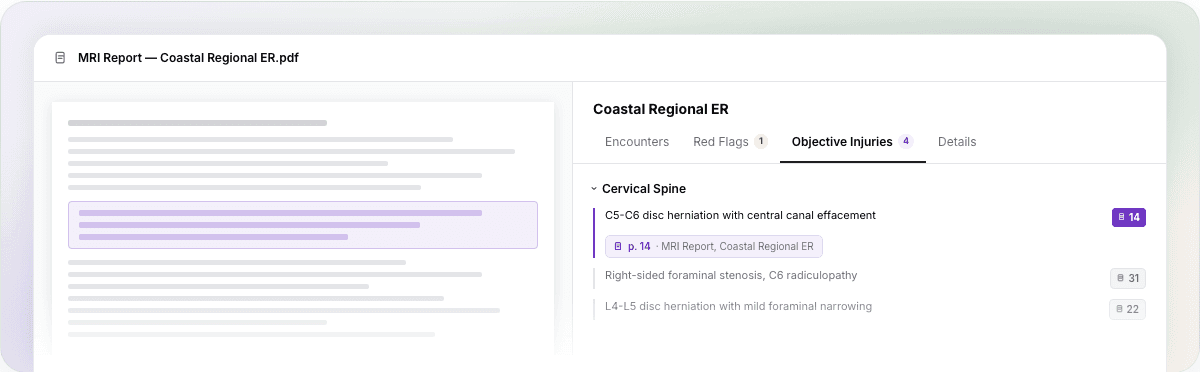 03Findings link to source pagesEvery finding points to the exact language in the record it came from.
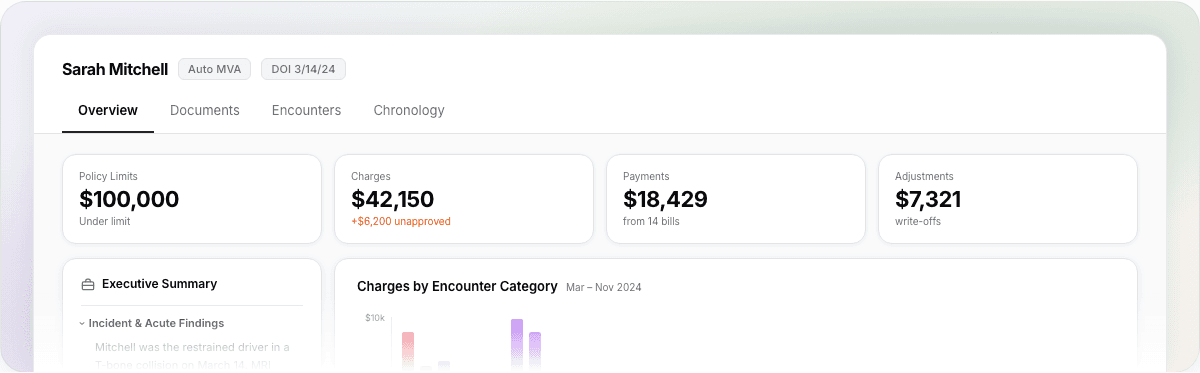 04The case file fills itself inReviewed findings flow straight into your case file, in the system you already use.
FAQs
Answers to frequently asked questions about Context.
See Context on a real case.
Schedule a call and we'll walk through a real case: what gets found, what gets flagged, and how your team verifies it.